
An STL can export successfully as STEP and still contain the same flat facets around a supposedly round hole. STL-to-STEP conversion for CNC changes a model's representation; it does not, by itself, recover the original design dimensions or prove that a part will fit. Conversion can nevertheless be useful. The decision is whether you need a different representation of the recorded shape or a reconstructed model based on requirements the mesh does not contain.
Those are different jobs. A decorative surface may already be suitable for a CAM system that accepts meshes. A mechanical interface may need a genuinely circular opening at a specified diameter, positioned relative to other features. Before choosing a converter, establish which of those jobs the project actually requires.
The round hole that survives as flat faces
An STL describes a surface with triangles. It does not carry the original sketch of a circle, the constraint that located its center, or the designer's dimension and tolerance for that opening. More triangles can describe the shape more closely, but they do not restore the missing construction history. Xometry's conversion guidance explicitly cautions that STL curves are represented through lines and planes, and that conversion alone does not guarantee suitability for CNC machining.
Consider a hole whose wall is represented by strips of triangular facets. One conversion route can turn those triangles into faces on a new solid. The result may be a valid solid body and may export as STEP, yet the wall is still faceted. The change has made the geometry available in another form, not replaced the polygonal boundary with the original circle.
Another route may recognize a group of faces as a cylindrical feature. That can be much more convenient for subsequent modeling: the region is treated as a coherent feature rather than a collection of triangles. However, the fitted geometry is an interpretation of the available mesh. Without an independent dimension, it does not tell you whether the original designer intended precisely that diameter or a nearby nominal size.
This distinction also explains why a smooth-looking preview is insufficient evidence. The displayed appearance answers whether a shape looks continuous at that view and scale. Inspecting the geometry and its dimensions answers a different question. Neither a polished preview nor a new filename establishes the intended fit.
What the conversion method actually creates
Autodesk's Fusion documentation makes the representation difference explicit. Its Faceted method creates an individual face on the new solid or surface body for each face of the mesh. Its Prismatic method uses face groups to infer features and merges groups into individual faces. These are descriptions of that documented tool, not universal behavior shared by every online converter.
The methods serve different purposes. A face-by-face result can preserve the recorded faceted boundary when that is the geometry you want to retain. Feature inference can make a model originally created with solid or surface tools more manageable to edit. In the latter case, inspect the inferred surfaces and their relationships rather than assuming that recognition recovered every feature correctly.
Body type is another separate result. Autodesk states that a watertight mesh converts to a solid body, while a mesh that is not watertight converts to a surface body. A solid encloses a volume; that fact says nothing by itself about whether a hole is the required size. A surface result may need further modeling for the intended workflow, but this is not the same problem as recovering an unknown nominal dimension.
Even the word parametric needs context. Fusion can place a Convert Mesh feature in its timeline so that the conversion settings remain editable. That does not mean the STL has supplied the original sequence of sketches, hole features and dimensional constraints. An editable conversion operation is useful, but it is not the lost native CAD model.
Change the requirement, and the best route changes
Imagine a hypothetical small cover downloaded as an STL. Its outline includes a raised decorative border, a central opening and several mounting holes. For a display piece, the aim may be to reproduce its visible shape. If the mesh is adequate and the chosen CAM supports the required mesh-based operations, converting every triangle into a solid face may add work without helping that aim.
Now suppose the same cover must attach to an existing assembly. The central opening has to clear a specified mating feature, while the mounting-hole centers must align with the assembly's pattern. The requirement is no longer simply to reproduce the downloaded surface. It is to define those interfaces correctly and preserve their relationship.

For that second use, look for the native CAD model or a dimensioned drawing before investing in conversion. The native model may preserve the editable construction that the STL omitted. A drawing may establish the intended dimensions and tolerances even when it cannot supply an editable model. Either can resolve information that cannot be established simply by inspecting a collection of triangles.
If those files are unavailable, verified measurements can support reconstruction, but distinguish the measured object from its intended design. Measuring an existing opening tells you about that opening; it does not necessarily reveal the designer's nominal dimension or the clearance required by a different mating component. Define what the replacement must fit, not just which number is easiest to extract from the mesh.
A practical modeling choice may be to retain the cover's decorative form as a reference while rebuilding the functional opening and mounting pattern from trustworthy dimensions. There is no need to recover every historical feature merely to establish the interfaces that matter. Conversely, if those requirements remain unknown, making the file easier to edit does not resolve them.
Check fidelity to the mesh and fitness for the part separately
Comparing a converted model with its source mesh helps identify changes introduced by reconstruction. A fitted surface might alter an edge, blend away a small detail or change the boundary of an opening. Review the regions where the conversion has inferred geometry, especially features that another part will contact. The purpose is to understand what changed during conversion.
That comparison has a limit: perfect agreement with the STL would establish agreement with the STL, not with missing design requirements. A second check must compare the model with the drawing, specified mating geometry or other trustworthy reference that defines the actual part. A hole can closely follow its mesh approximation and still be wrong for the intended assembly.
For the hypothetical cover, checking the overall width alone would miss the important relationship. Review the opening's geometry, the mounting-hole locations and the way both are positioned from a common reference. Otherwise, separately plausible features can still form an incorrect pattern. Record the source of the controlling dimensions so a later edit does not quietly replace a specified feature with another fitted approximation.
These checks support a model-preparation decision, not a finished-part guarantee. This approach is also not a method for approving an unknown safety-critical or load-bearing replacement. Reconstructing a shape does not establish its material specification, loading requirements or suitability for service.
Carry the resolved geometry into the right CAM stage
Retaining a mesh is a legitimate option when its recorded shape and the intended CAM operations meet the task. Reliefs and organic surfaces are common reasons to work with mesh geometry; confirm support in the actual CAM rather than assuming that every CNC model must first become STEP. Converting is useful when a solid or surface representation helps the planned edits. Rebuilding is justified when important features must be defined from information outside the mesh.
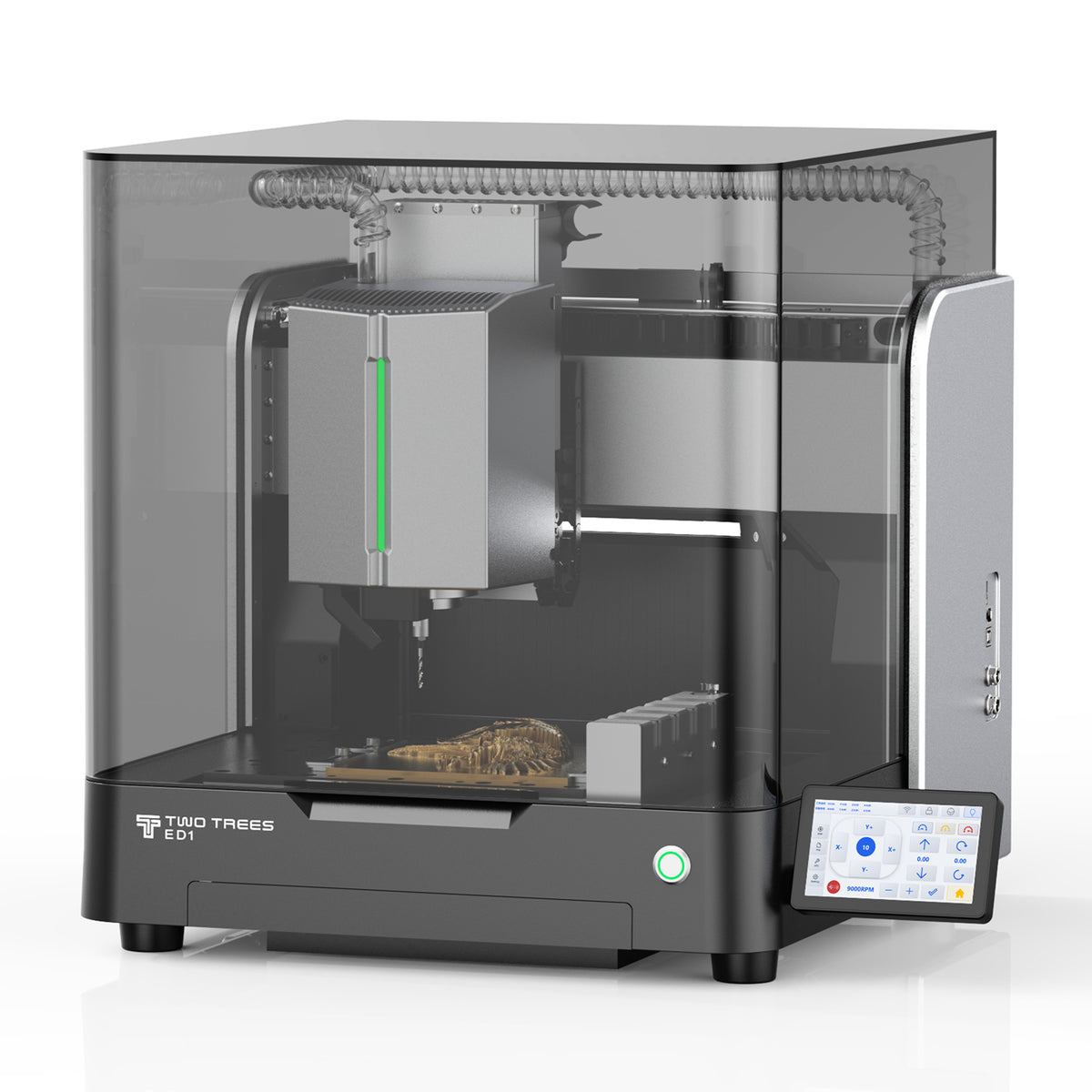
For a project intended for the ED1 enclosed desktop CNC router, keep that geometry decision separate from the machine instructions. TwoTrees presents ED1 for prototypes and custom parts, and its product specifications list .nc and .gcode machine files. Those are downstream of model preparation and CAM; an STL or STEP export is not itself the posted machining program.
The chosen CAM must accept the model representation and support the required operations, then use the appropriate post-processor and controller configuration. Cutter access, stock, holding, material and toolpath verification remain part of the actual machining plan. A software name on a product page is not evidence that every conversion method or post configuration has been validated for your project.
If the distinction between design files and machine files is still unclear, the broader guide to CNC router file types explains that sequence. For the cover itself, the useful stopping point is more concrete: retain the recorded shape where it is adequate, establish the important interfaces from trustworthy requirements, and send geometry you understand into CAM. Exporting STEP is helpful only when it advances that work.


