

Ersatzteile für Laser, CNC & 3D-Drucker
-
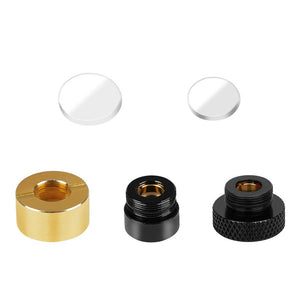
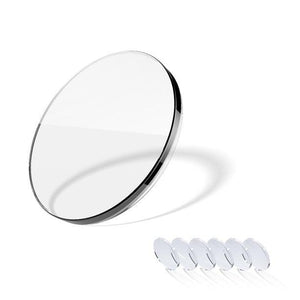
Twotrees Laserlinse
Normaler Preis Von €22,95Normaler Preis -
Spare €4,00
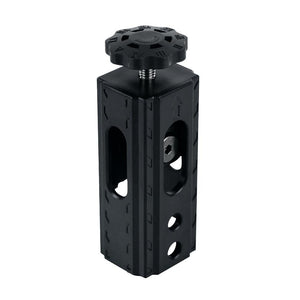
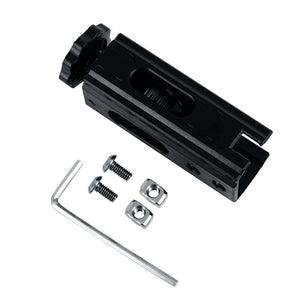
X-Achsen-Riemenspanner für Lasergravierer
Normaler Preis €18,95Normaler Preis€22,95-€4,00 Verkaufspreis €18,95 -
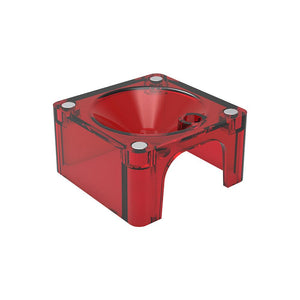
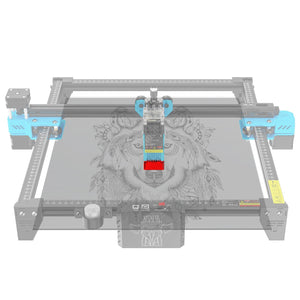
Twotrees Laserkopf-Schutzhülle für TTS
Normaler Preis Von €13,95Normaler Preis -
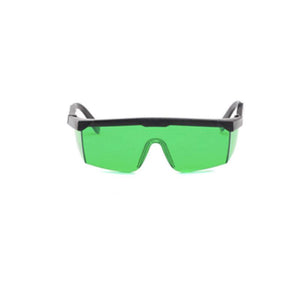
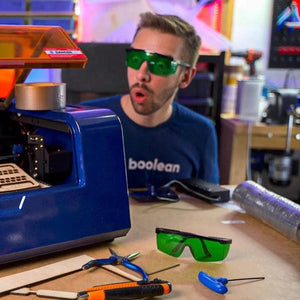
Twotrees Laserschutzbrille
Normaler Preis €16,95Normaler Preis -
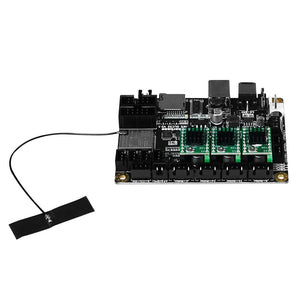
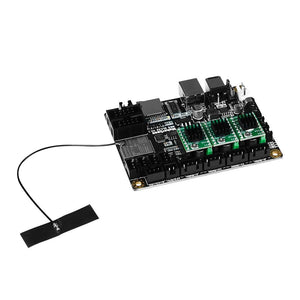
Twotrees Motherboard MKS DLC32 V2.0 (A4988X3) mit VH3.96 Anschluss 2P gerader Stift
Normaler Preis €35,95Normaler Preis -
Spare €9,00
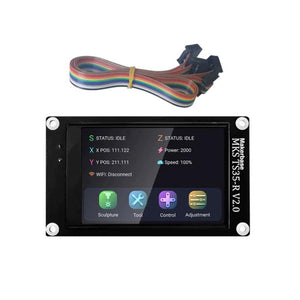
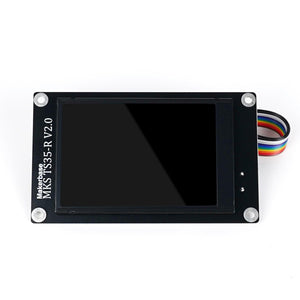
Twotrees MKS TS35 V2.0 3,5-Zoll-TOUCHSCREEN für TTC450 /TTC450 Pro /TTC450 Ultra
Normaler Preis €35,95Normaler Preis€44,95-€9,00 Verkaufspreis €35,95 -


Twotrees 3,9 mm Ultraschall-Gravierklingen für U1 & U2
Normaler Preis Von €15,95Normaler Preis -
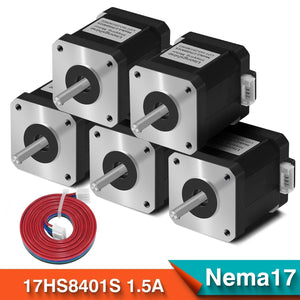
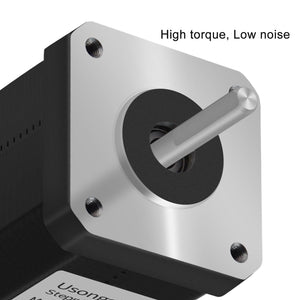
Twotrees 5 Stück Nema 17 4-adriger Schrittmotor 42 Motor 17HS8401S 1,5 A CE ROSH ISO CNC-Laser- und 3D-Druckermotor
Normaler Preis €50,95Normaler Preis€0,00Verkaufspreis €50,95 -

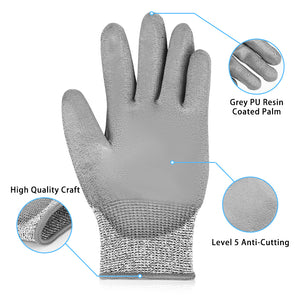
Twotrees Schnittschutzhandschuhe L Level 5 schnittfest PU
Normaler Preis €17,95Normaler Preis -
Spare €18,00
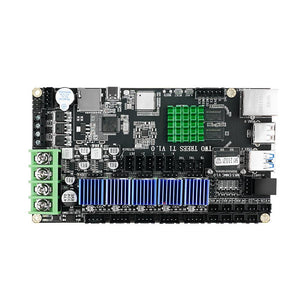
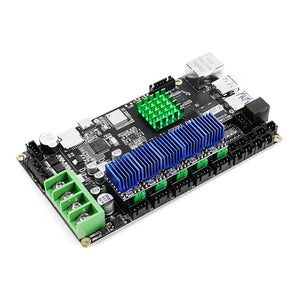
Twotrees-Motherboard mit Treiber für SK1-3D-Drucker
Normaler Preis €100,95Normaler Preis€118,95-€18,00 Verkaufspreis €100,95 -


Twotrees Set mit verschiedenen Spezial-Gravierklingen für U1 & U2
Normaler Preis Von €17,95Normaler Preis -
Spare €25,00
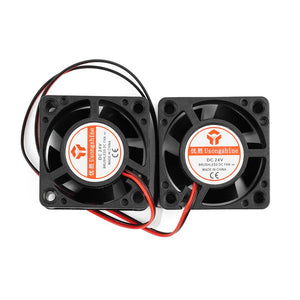
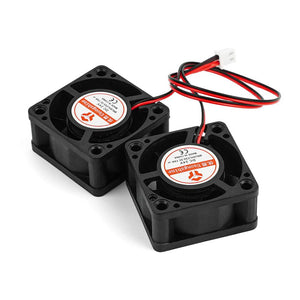
Twotrees Dual-Kühllüfter für SK1 3D-Drucker
Normaler Preis €16,95Normaler Preis€41,95-€25,00 Verkaufspreis €16,95 -
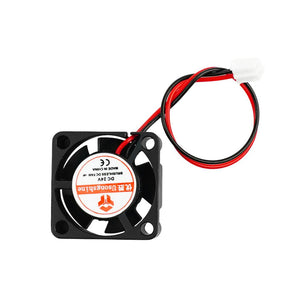
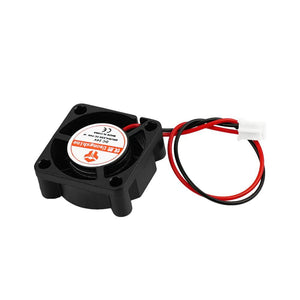
Twotrees Extruder-Hotend-Lüfter für SK1 3D-Drucker
Normaler Preis €16,95Normaler Preis -
Spare €16,00
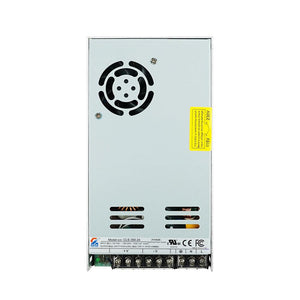
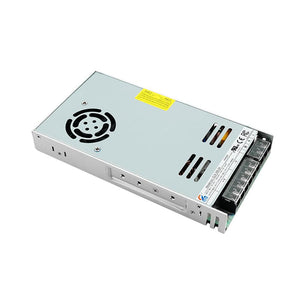
Twotrees Netzteil für SK1
Normaler Preis €34,95Normaler Preis€50,95-€16,00 Verkaufspreis €34,95 -
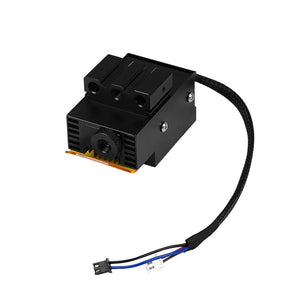
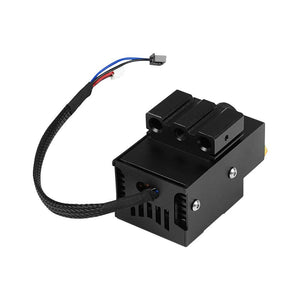
Twotrees Lasermodul 24V10W für TS3-Graviermaschine
Normaler Preis €181,95Normaler Preis -
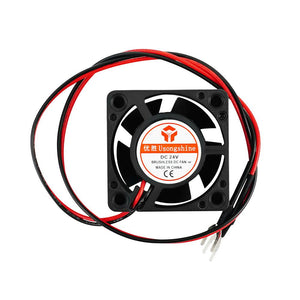
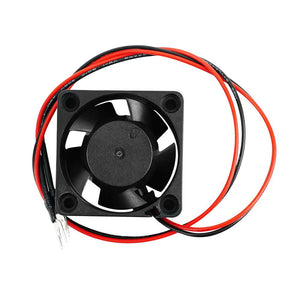
Twotrees SK1 3D-Drucker-Lüfter | 24 V | 6000 U/min
Normaler Preis €16,95Normaler Preis


TWOTREES SPARE PARTS FREQUENTLY ASKED QUESTIONS
What is the difference between a spare part and an accessory?
A spare part replaces a worn, damaged or failed component to restore the machine's intended function. An accessory adds a capability or changes the workflow. For rotary systems, air assist, worktables, enclosures and other upgrades, use the TwoTrees accessories collection instead of this replacement parts catalog.
How do I identify the correct replacement part for my machine?
Record the complete machine model, revision, regional voltage and the part number on the existing component. Compare its label, connector, mounting pattern and dimensions with the product listing. Clear photos can help TwoTrees support verify a compatible replacement part when the revision is uncertain.
Which laser lens option should I choose?
Choose the option in the TwoTrees laser lens listing that names your exact engraver model and required package quantity. Lens specifications can differ between TS2, TS3 and TTS laser heads, so do not select a replacement laser lens only by visual similarity.
Can I replace a motherboard or touch screen with a similar-looking part?
No. Similar-looking boards and displays may use different drivers, terminals, pinouts, voltages or firmware. Match the exact controller version and machine compatibility stated on the product page. Disconnect power before inspection and follow TwoTrees documentation or support guidance if wiring or configuration is uncertain.
Which replacement parts are available for the SK1 3D printer?
The collection includes SK1 control, interface, cooling and power components such as motherboards, touch screens, dual cooling fans, extruder hotend fans and power adapters. Use the TwoTrees 3D printer parts collection to narrow the catalog, then match the original label and connector before selecting SK1 replacement parts.
What should I check before installing an electrical replacement part?
Disconnect the machine from power and verify the replacement's voltage, polarity, connector orientation, board revision and firmware requirements. Follow the product manual and preserve a photo of the original wiring. Do not install a part when the model, electrical specification or connection sequence is uncertain.


