
A CNC router bit listing is ready for purchase only when it identifies the exact SKU and provides enough information to verify fit, reach, clearance, and intended use. If the listing omits a required dimension, tool limit, or compatibility detail, treat it as a clarification request—not as permission to estimate from a product photo or a similar-looking cutter.
The goal is not to find the most impressive title or product image. It is to establish whether the exact cutting tool can be entered accurately into your CAM tool library, clamped correctly in the documented holder or collet, reach the feature you need to cut, and operate within the manufacturer’s stated limits.
Start with the exact SKU, not the collection thumbnail
A collection page helps you find categories of tools, but it is not the specification record for an individual cutter. Start by opening the exact product listing and recording the details that distinguish one variant from another.
Capture:
-
Product name exactly as listed
-
Manufacturer and product ID, SKU, or part number
-
Selected variant, including diameter, shank size, quantity, coating, or set configuration
-
Current product-page URL
-
Units used on the page: inch, millimeter, or both
-
Any downloadable drawing, data sheet, safety guidance, or operating documentation
-
Date the listing was reviewed
A similar-looking end mill, V-bit, or ball-nose cutter is not interchangeable evidence. A product family can contain variants with different shank diameters, cutting diameters, flute lengths, overall lengths, or coatings. If the product page does not make the selected variation clear, stop before ordering.
The TwoTrees CNC router bits collection is a useful starting point because it contains multiple cutter listings. But collection membership alone does not establish the complete dimensions, limits, availability, or compatibility of a specific SKU.
Use this record before comparing tools:
Autodesk Fusion’s milling-tool records separate descriptive and vendor fields from cutter parameters and post-processor-related information such as tool number and offsets. That structure is useful because it reinforces a basic rule: a product name or SKU is not a substitute for verified geometry and machine-specific data.
Separate every diameter and length
Cutter dimensions answer different questions. Treating them as one generic “bit size” is one of the most common ways to buy a tool that looks correct but cannot be clamped, cannot reach the feature, or cannot clear the setup.
Cutting diameter is the width of the cutting portion that forms the feature. It affects what geometry the cutter can physically enter, but it does not tell you whether the cutter will fit the holder.
Shank diameter is the cylindrical portion intended to be clamped in the collet or toolholder. This must match the documented clamping range and configuration of your machine. A 1/4-inch cutting diameter does not mean the tool necessarily has a 1/4-inch shank.
Cutting length or flute length is the axial portion intended to cut. It helps determine whether the tool can engage the depth and wall height of the intended feature. It is not the same as the full tool length.
Overall length is the end-to-end length of the cutter. It affects the assembled tool’s reach and clearance when combined with the holder, collet, spindle nose, fixture, clamps, dust-control components, and work envelope. It does not guarantee that the tool can safely reach a feature.
Neck diameter or relieved neck, when listed, can matter for clearance near deep walls or narrow pockets. A cutter’s cutting diameter might fit into a feature while the larger body or shank cannot clear it.
Tip radius, included angle, or point geometry can determine the feature shape created by a V-bit, ball-nose tool, tapered cutter, or other shaped router bit. These values should come from the product listing or dimensional drawing, not from visual estimation.
Do not scale a product photograph to fill in a missing dimension. Photos may use perspective, props, multiple variants, or image assets that do not match the selected SKU. When a necessary dimension is absent, request the manufacturer’s drawing or specification sheet.
Match the shank to the documented holder range
The shank is the machine interface. Before you buy, verify the exact shank diameter on the cutter listing and compare it with the documentation for your collet, toolholder, or automatic-tool-changer system.
The clamped area should remain on the cylindrical shank designed for that purpose. Do not assume that a holder can safely grip the flute area, a tapered portion, a reduced neck, engraved markings, or a transition between the shank and cutting geometry.
Check:
-
The exact shank diameter listed for the selected cutter variant
-
The documented clamping range and intended use of the collet or toolholder
-
Whether the machine uses a separate holder system, an ATC toolholder, or another spindle interface
-
Whether the cutter’s shank length provides adequate, manufacturer-approved engagement
-
Whether the assembled tool can clear the spindle, holder body, fixture, and enclosure
-
Any machine or holder restrictions on tool dimensions, weight, length, or automatic-tool-change use
This is not an ER11 collet assembly guide, and it should not become one. The purchase decision is simpler: if the cutter listing does not state an exact shank size, or the holder documentation does not clearly establish that the shank can be clamped correctly, do not approve the tool for that setup.
For an automatic tool changer, confirm the toolholder interface and machine-specific requirements before treating a collection item as eligible for automatic exchange. A cutting tool that fits a manual collet may not necessarily meet the dimensional, retention, clearance, or offset requirements of an ATC workflow.
Check reach and clearance without confusing them
A cutter must both reach the intended feature and move around it without the holder, shank, machine body, or fixture making contact. These are related but different checks.
Reach concerns whether the cutting portion can engage the required feature depth. Compare the required engagement with the manufacturer-listed cutting or flute length, taking the actual part geometry into account.
Clearance concerns the whole tool assembly. A cutter may have enough flute length to machine a deep pocket, while its holder body, non-cutting tool section, dust shoe, clamp, or fixture collides before the intended area is reached.
Use the product drawing together with your setup record:
-
Identify the deepest required cutting feature and the surrounding wall geometry.
-
Record the tool’s cutting diameter, flute length, overall length, and any neck dimensions.
-
Add the holder or collet geometry and the actual projection used in the setup.
-
Compare the full assembly with the workholding, fixture height, stock position, and machine work envelope.
-
Confirm the clearance requirements against the machine manufacturer’s documentation before relying on the tool in a program.
Do not treat overall length as safe reach. It includes non-cutting portions of the tool and does not account for the holder, spindle nose, clamps, fixture, or machine-specific travel limits.
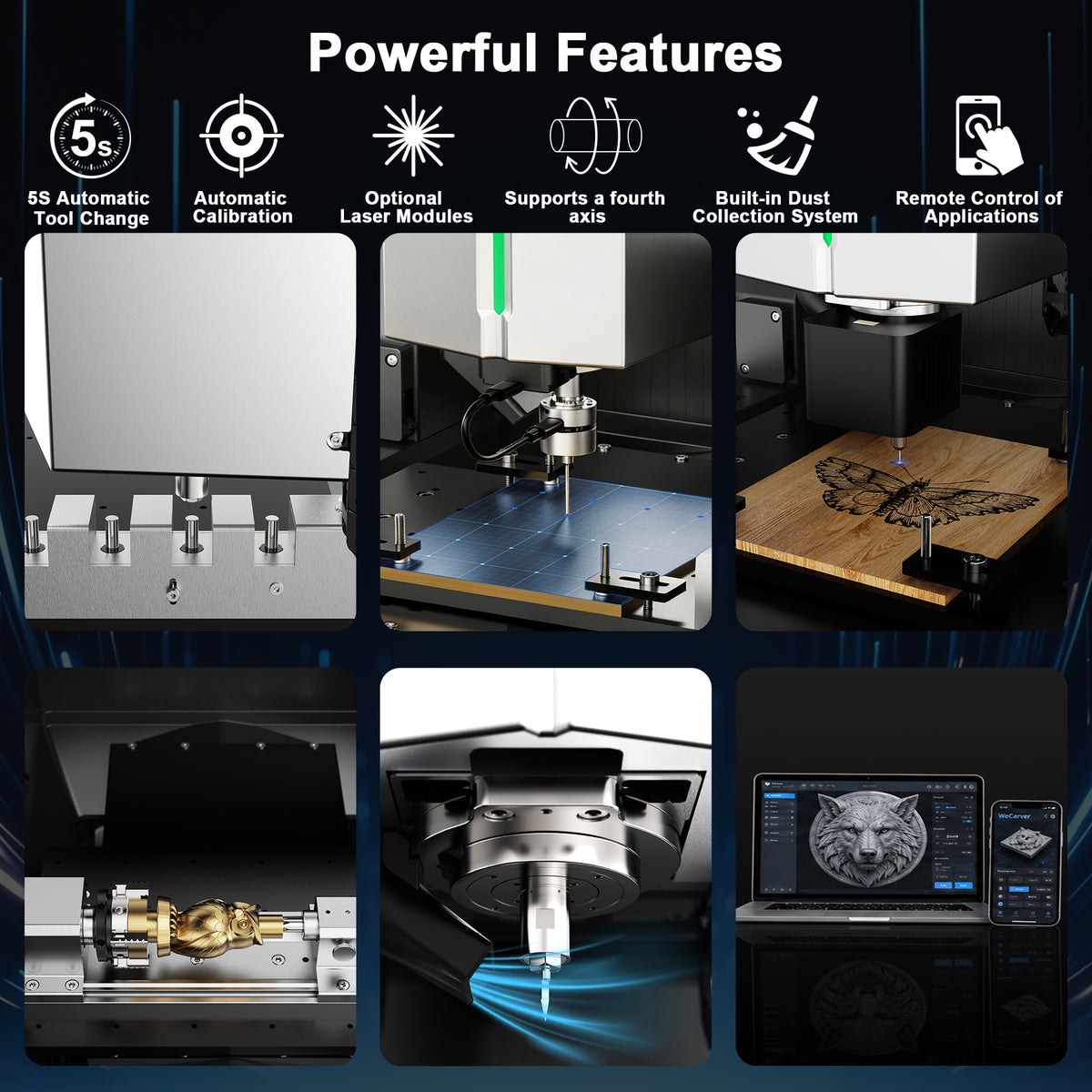
For the TwoTrees ED1 enclosed desktop CNC, do not assume a collection item fits the machine simply because it is a CNC router bit. The ED1 product page must be reviewed alongside current machine-specific documentation for its holder, tool-length, clearance, and automatic-tool-changer requirements. If those details are not available for the exact configuration, request them from TwoTrees before ordering a tool for the machine.
Verify geometry, material, and operating data
A listing should identify the cutter geometry and state the information needed to decide whether it suits the intended operation. Geometry labels, cutting diameter, flute count, material, coating, and manufacturer-stated application conditions are meaningful only when they refer to the exact selected SKU.
Do not rely on generic descriptors such as “professional,” “high precision,” “multi-material,” or “premium carbide” as compatibility evidence. These phrases do not answer whether the cutter reaches the feature, fits the holder, clears the fixture, or is appropriate for the planned operation.
Review the listing for:
-
Cutter geometry and intended cutting form
-
Flute count, where stated
-
Cutting diameter and shank diameter
-
Cutting or flute length and overall length
-
Tool material, substrate, and coating information where stated
-
Any tool drawing showing body, neck, and tip dimensions
-
Manufacturer-stated application conditions or restrictions
-
Marked maximum RPM or other operating limits, when supplied
-
Current machine, holder, collet, or ATC compatibility statements, if the manufacturer provides them
A tool listing can be useful without supplying cutting parameters. Parameters depend on the exact machine, spindle capability, workholding, material, tool projection, cutter geometry, and finish target. Do not reject a bit because a seller does not publish universal feeds and speeds; reject or clarify it when the listing withholds the dimensions, identification, or limits needed to establish physical and documented compatibility.
Imported digital tool records deserve the same scrutiny. Autodesk warns that vendor or manufacturer tooling data supplied in import files and packages can be incomplete or incorrect, and that associated errors or defaulted values must be checked. A downloaded tool-library entry may save typing, but it should be checked against the exact SKU, drawing, and your measured setup before it becomes part of a CAM program.
Classify the listing as sufficient, conditional, or insufficient
A listing does not need to answer every conceivable question. It must provide enough evidence for the intended purchase and machine setup. Make the decision based on the missing data that could affect fit, clearance, safe operation, or the CAM record.
A listing is sufficient for a conditional purchase decision when it clearly identifies the exact SKU, selected variant, unit system, cutting diameter, shank diameter, cutting or flute length, overall length, basic geometry, and any manufacturer-provided operating limits. You still must compare those facts with your holder, collet, machine, work envelope, stock, and fixture.
A listing is conditional when the basic cutter dimensions are present but a machine-specific dependency remains unresolved. Examples include an unverified ATC holder interface, unclear clearance around a fixture, an unknown tool-length procedure, or a machine restriction that is not published. Do not convert this into approval until the missing machine or holder evidence is obtained.
A listing is insufficient when it cannot identify the exact variant, does not state the shank size, omits cutting or overall length needed for the feature, lacks dimensional documentation, or relies on a title and photographs instead of specifications. Do not use the tool in a CAM library or order it for a critical job based on estimates.
Use this clarification request when needed:
Please provide the specification or dimensional drawing for the exact SKU and selected variant. I need the cutting diameter, shank diameter, cutting/flute length, overall length, geometry, material or coating information, marked operating limits, and any holder or machine compatibility requirements. My intended machine and holder setup are: [machine/model and holder or collet]. My planned feature requires: [required depth, clearance, and operation].
If the exact information is available, open the TwoTrees CNC router bits collection, select the individual cutter listing, and complete the same checklist for that SKU. Do not use a collection page, thumbnail, or product-family name as proof of compatibility. Confirm the exact cutter against your collet or toolholder, required geometry, machine limits, and work envelope before ordering.


